Contents
Why Firmware Is the Most Important OEM Decision
When brands evaluate reading pen manufacturers, they typically focus on hardware quality, pricing, and certifications. Firmware — the software that runs on the device — is often treated as an afterthought. This is a mistake that leads to costly delays, feature limitations, and ultimately, products that fail to meet market expectations.
Firmware determines everything the reading pen does: how it identifies books, which languages it supports, how audio is managed, whether it connects to apps, and how content can be updated. A manufacturer with strong firmware capabilities can deliver a product that evolves with your market; a manufacturer with weak firmware capabilities will leave you locked into a static product with no upgrade path.
Core Firmware Capabilities to Evaluate
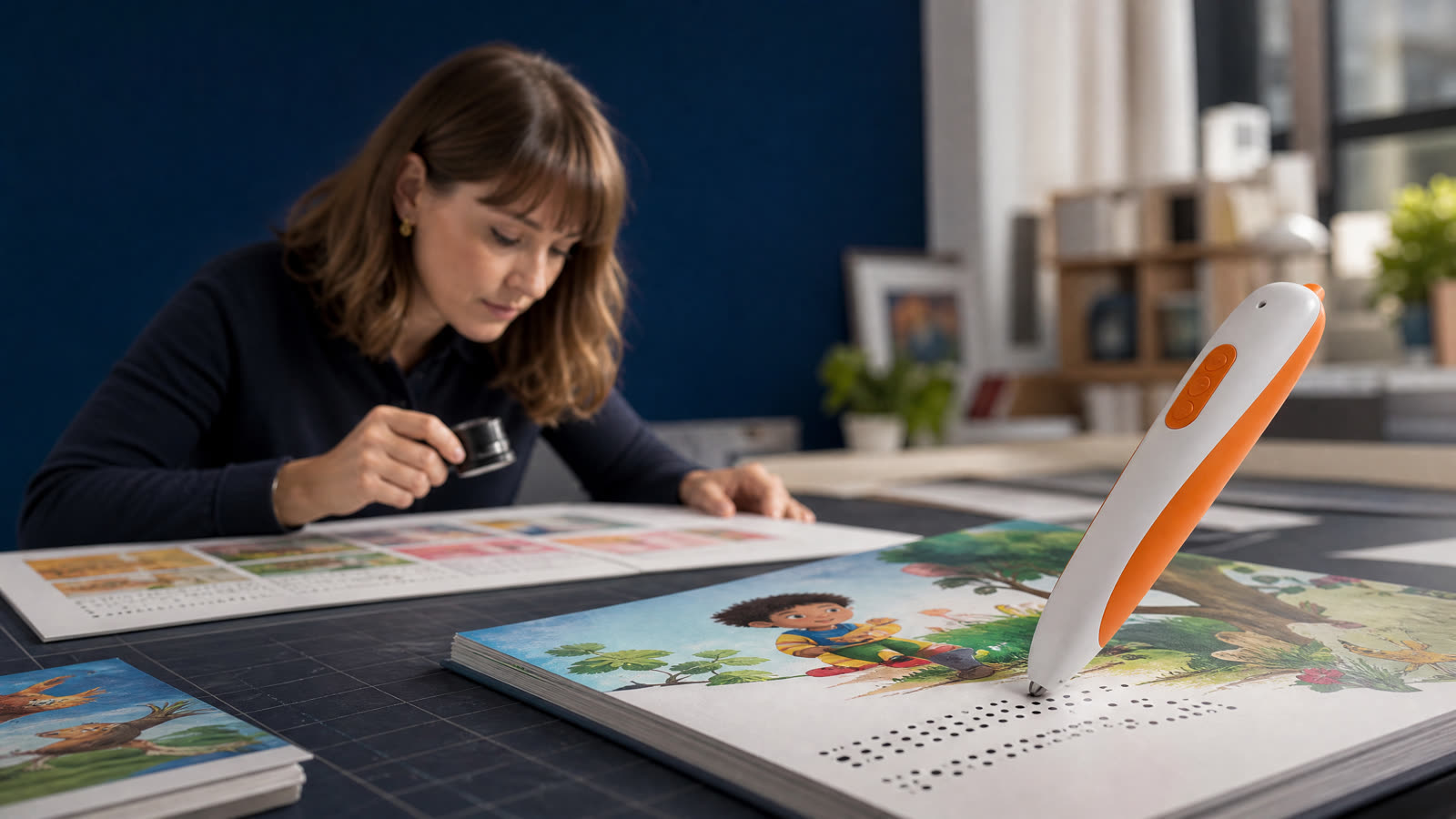
DOT Code Recognition The fundamental function of a reading pen is to identify the location being touched on a printed page and play the corresponding audio. This requires a DOT code system — a pattern of infrared-sensitive dots printed over the visible content. There are several proprietary DOT code systems (OID, Anoto, and various manufacturer-specific systems), and your reading pen must use the same system as your printed books. Ensure your manufacturer can support the DOT code system used by your printing partner.
Language Support Language support in reading pen firmware has two components: the audio content (which language the pen speaks) and the user interface (which language menus and prompts appear in). Audio content is straightforward — it is simply audio files stored on the device. UI language support requires firmware localization, which is more complex. Verify that your manufacturer can provide UI localization for your target markets, including right-to-left languages (Arabic, Hebrew) if relevant.
Audio Quality and Management Audio quality is determined by both hardware (speaker, amplifier) and firmware (audio codec, compression settings). Request audio samples at different volume levels and in different acoustic environments. Firmware should support adjustable volume, speed control (useful for language learning), and repeat function.
Memory and Storage Reading pen storage capacity determines how much content can be loaded on the device. Standard configurations range from 4GB to 32GB. Firmware must efficiently manage the file system to ensure fast audio retrieval — poorly optimized firmware can cause noticeable delays between touching a page and hearing the audio, which is a significant user experience problem.
Advanced Firmware Features for Premium Products
App Connectivity Reading pens with Bluetooth or Wi-Fi connectivity can sync with companion apps for content updates, progress tracking, and parental controls. App connectivity significantly increases the product's value proposition but also increases development complexity and ongoing maintenance requirements. Ensure your manufacturer has a dedicated app development team or can provide a white-label app solution.
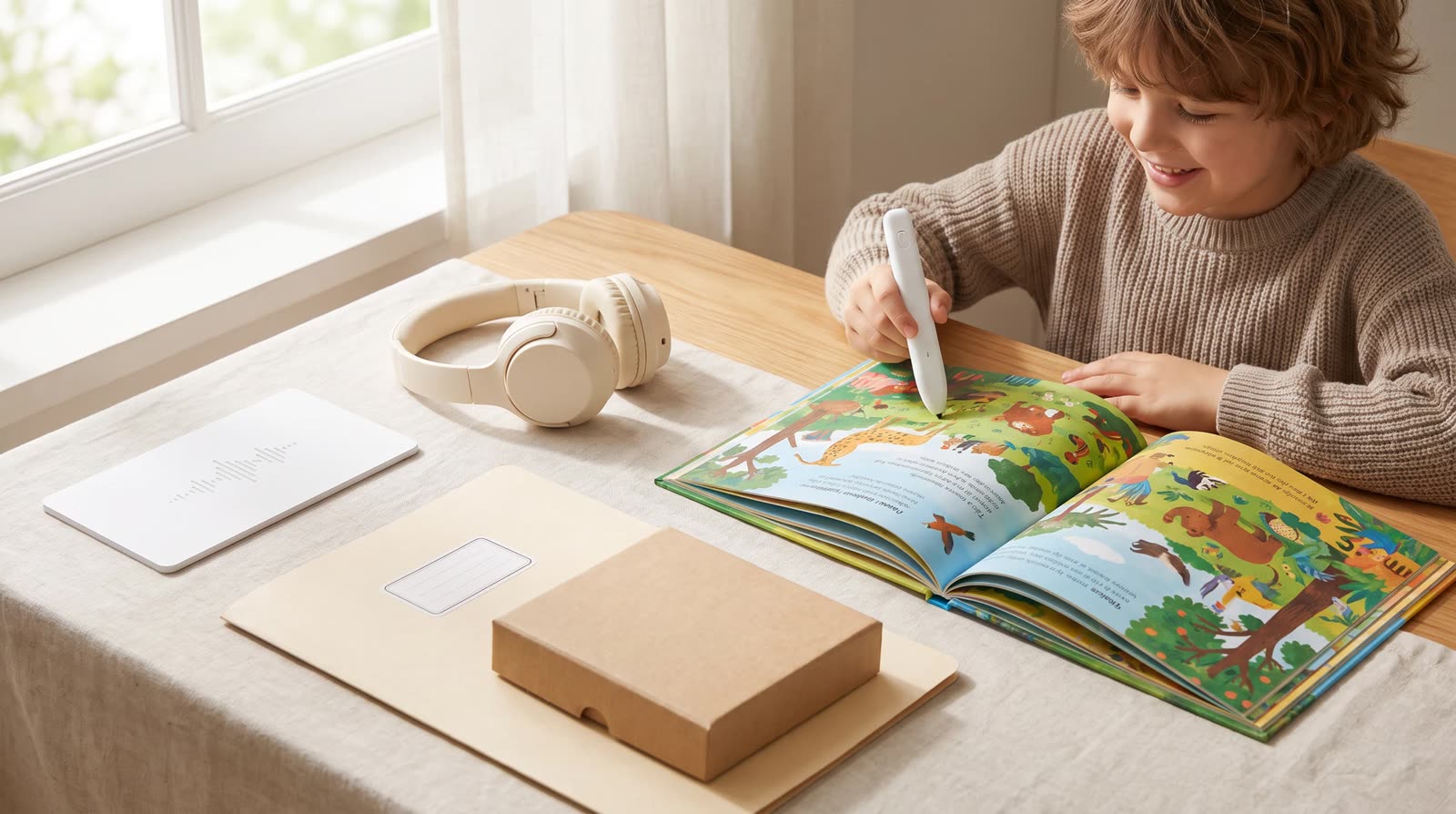
Content Update Mechanism How can content be added or updated after the product ships? Options include: USB connection to a computer (most common, lowest cost), Wi-Fi over-the-air updates (premium feature, requires server infrastructure), and microSD card expansion (flexible but requires user action). The content update mechanism has significant implications for your ongoing content strategy and customer support requirements.
Voice Recording Some reading pens include a microphone that allows children to record their own voice and compare it to the native speaker audio. This feature is particularly valuable for language learning products and commands a significant price premium. Firmware for voice recording must include audio processing to handle background noise and provide meaningful feedback.
Multi-Book Support Advanced firmware can support multiple book series on a single device, with automatic detection of which book is being used. This is achieved through unique DOT code ranges assigned to each book series. Multi-book support requires careful firmware architecture and coordination between the manufacturer and all book publishers in the ecosystem.
Firmware Development Timeline and Process
Understanding the firmware development process helps brands set realistic expectations and plan product launches effectively.
Standard Customization (existing firmware base) For OEM projects that use an existing firmware base with content and language customization only: - Content preparation and upload: 5–10 days - UI language localization: 3–7 days - Testing and QA: 5–10 days - Total: 2–4 weeks
Moderate Customization (new features on existing platform) For projects requiring new features such as app connectivity or voice recording on an existing platform: - Feature development: 20–40 days - Integration testing: 10–15 days - Bug fixing and optimization: 10–20 days - Total: 6–12 weeks
Full Custom Firmware For projects requiring a completely new firmware architecture: - Architecture design: 15–25 days - Core development: 40–60 days - Feature development: 30–50 days - Testing and certification: 20–30 days - Total: 4–6 months
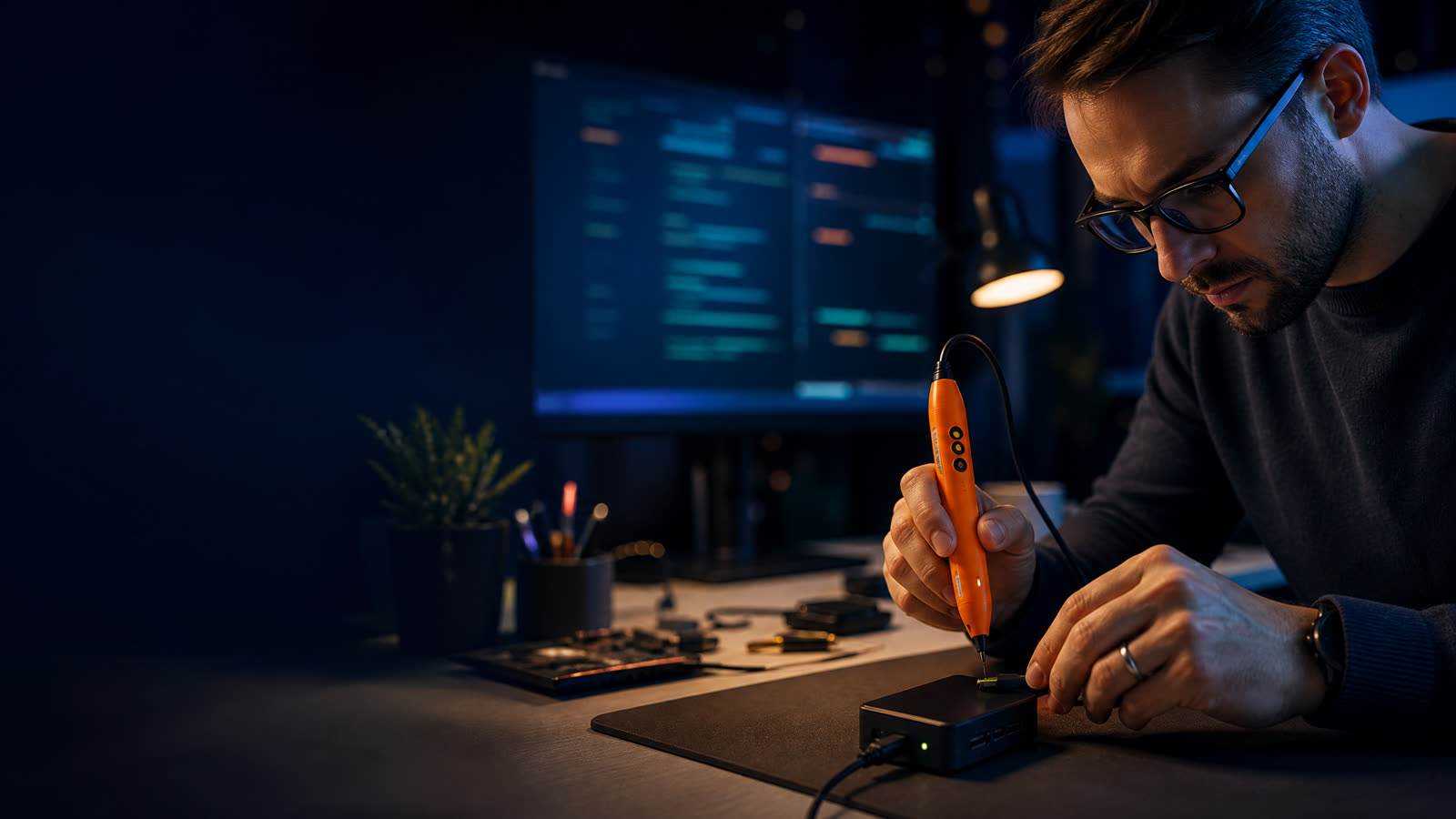
Key Risk: Firmware Bugs in Production Firmware bugs discovered after mass production are extremely costly to fix — they may require a firmware update process that reaches every device in the field, or in severe cases, a product recall. Invest in thorough pre-production testing, including edge cases and stress testing, before approving mass production.
Continue your research
Related reading pen buyer guides
Use these related guides to compare the next product, content, sourcing or channel decision in your project.
- OEM GuideWhere Can Publishers Find a Reliable Children’s Talking Pen Supplier and OID Coding Service?Read this guide
- Product GuideReading Pen Firmware Updates: What OEM Buyers Need to Plan ForRead this guide
- OEM GuideCan a Reading Pen Factory Handle Both Hardware and Audio Book Production?Read this guide
Continue with ReadGlo
See product specifications and request model-specific documentation.