Contents
Direct answer
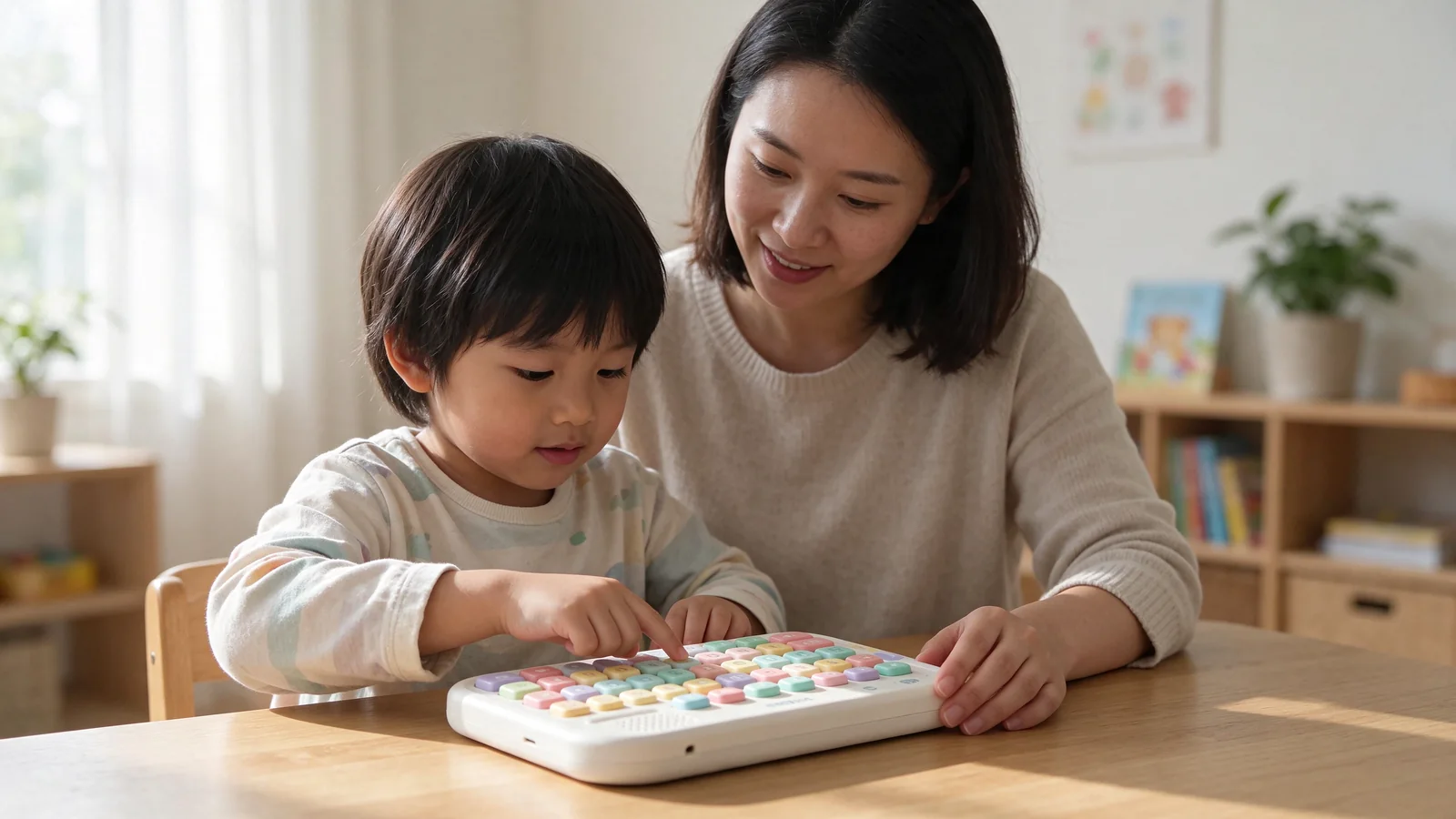
Choose an alphabet learning keyboard by the relationship between a visible letter, the child's key press and the response that follows. First define whether the activity needs letter names, sounds or guided selection; then compare layout, controls and actual sample behavior. A keyboard-shaped toy is not automatically a phonics resource, a typing tool or a musical instrument, and an attractive reference image does not confirm its functions.
Decide what the keyboard must do before choosing its shape
For B2B buyers, the central question is not which toy has the longest activity list. It is whether the child can perform one useful letter activity without confusing the input, the response or the next step. A home-play SKU, a classroom resource and a retail demonstration may need different controls even when their housings look similar.
Write the intended activity in one sentence. For example, a proposed product might let a child press a visible letter and hear its name during adult-supported play. Another brief might require the child to select a letter in response to a spoken prompt. These are different interactions: one explores information, while the other asks for an answer. Neither implies that the device teaches reading independently.
Keep this category separate from conventional computer peripherals and piano-style keyboards. If typing is the purchasing objective, investigate the computer system and typing instruction instead. If musical note selection is the objective, evaluate a musical product. Here, the buying task concerns a self-contained or otherwise explicitly defined alphabet-input toy whose proposed feedback must be confirmed.
ReadGlo's Electronic English Learning Keyboard project reference provides a starting point for discussion, not a ready-made specification. Its displayed keys, screen layout and interface artwork are reference materials. Ask which requested interactions are feasible for the selected configuration; do not infer a working display, audio mode or language selection from the illustration.
Separate letter names, letter sounds and word activities
“Alphabet learning” is too broad to serve as the content specification. Request the exact response for each activity: a letter name, a sound, an example word, a spoken instruction or another output. A single key could have different responses in different proposed modes, but that arrangement needs an understandable selector and a verified content map.
Letter identification and reading instruction are not interchangeable. The official foundational-reading practice guide includes linking speech sounds to letters, decoding and reading connected text as distinct recommendations.[1] It addresses kindergarten through grade three teaching, not approval of a toy or evidence that a particular keyboard improves literacy. Use it to ask more precise content questions rather than to attach an educational guarantee to the SKU.
For an English letter-sound brief, have a qualified language or literacy reviewer inspect the recordings and intended examples. Agree which sound is being modeled, which pronunciation variant applies and whether the spoken word actually illustrates the intended relationship. Do not approve a cheerful recording only because it sounds fluent.
If multiple languages are proposed, define what changes when the language selector changes. Printed legends, prompts, letter names and example words may need separate treatment. Require a demonstration of the selected route rather than assuming every language fits the same printed layout. The buyer also needs to know whether switching language changes the current activity or returns to a starting state.
Choose the layout around the child's selection task
Alphabet sequence or familiar keyboard arrangement?
An alphabet-sequence layout is one option to evaluate when the brief concerns finding letters in sequence. A computer-like arrangement is another option when resemblance to an adult keyboard is part of the play concept. Neither should be called universally better. Compare each with the intended activity, existing materials and adult explanation.
Review the complete face of the proposed toy. Extra number keys, characters, pictures and decorative icons can change what the child is being asked to locate. Decide which markings carry instructions and which are decorative. If letters share keys with pictures, document whether the response concerns the letter, the picture or both.
Case, key boundaries and control separation
Specify uppercase, lowercase or both, including how the selected case relates to accompanying materials. Inspect the proposed lettering at normal viewing distance and under the lighting expected in use. Avoid treating a design proof enlarged on a monitor as evidence that the finished legends are easy to distinguish.
Ask the evaluator to press keys near the center and near adjacent boundaries using normal handling. Observe missed presses, unintended neighbors and whether the unit moves across the surface. Keep power, mode and sound controls distinguishable from letter inputs. These are buyer evaluation questions, not claims about the dimensions, materials or performance of any untested ReadGlo configuration.
Decide which feedback and controls earn their place
| Buyer activity | Interaction worth requesting | Sample check that changes the decision | Hold the option if |
|---|---|---|---|
| Explore letter names | Direct letter press with a named response | Press every letter and compare the legend with the recording | Responses are missing, mixed or undocumented |
| Compare letters and sounds | Clearly separated name and sound activities | Repeat a letter in each proposed mode | The child or adult cannot identify the active mode |
| Select a prompted letter | A prompt with clear retry behavior | Try a correct choice, a different choice and no choice | Feedback is ambiguous or the prompt cannot be recovered |
| Build selected words | Defined letter sequence and completion behavior | Try repeated letters, a correction and a restart | A card or word is accepted without the specified input |
| Use in a shared room | Confirmed adult sound controls | Stop, adjust and restart during ordinary use | The required activity has no workable sound-management route |
Buyer decision aid; confirm the proposed configuration and responsibilities separately.
Swipe horizontally to view all columns.
A useful response should make the connection between action and output understandable. If audio is proposed, compare the time from press to sound, whether a second press interrupts or queues another response, and what happens when a key is held. Do not impose a universal response-time number; agree observable criteria suited to the activity.
Lights and screens can identify a selection, indicate a mode or decorate the experience. Ask which role each proposed output serves. A light beside an unrelated icon may not tell the child which letter was selected. A depicted screen may be decorative artwork rather than a functioning display. Where visual feedback is essential, require the exact behavior in the sample.
Repeat, stop, volume adjustment and a quiet-play route are separate requests. Confirm whether each exists and how it works. For shared rooms, evaluate whether the adult can restore an appropriate setting without navigating an unclear sequence. Turning down speech should not be assumed to preserve an activity that depends entirely on spoken instructions.
The following table helps decide what to request before shortlisting. Its routes are proposed choices, not a ReadGlo feature list.
Evaluate a sample as a series of key-to-response events
Begin the functional review without children. Prepare a short script and expected-response list for the exact sample. First check every letter input in the basic activity. Record the printed legend, action, expected content and observed response. This separates mapping errors from opinions about appearance or entertainment.
Then examine transitions rather than repeating only successful presses. Change the mode during playback, press two keys close together, hold an input, leave the unit idle and restart according to its instructions. The purpose is to learn whether the proposed interaction remains understandable. Do not open the housing, defeat safeguards or improvise battery or charging arrangements.
For a proposed quiz, check a correct selection, an incorrect selection and a pause. Is the instruction repeated, abandoned or replaced? For proposed word entry, check correction and restart behavior. If repeated letters are needed in a word activity, confirm that the input logic permits them. These small cases can expose a poor fit that a polished demonstration omits.
Only after appropriate safety review should supervised representative-use observation be considered under the buyer's own procedures and permissions. Observe the task, not a claimed learning gain: can the participant locate the intended key, understand the response and stop comfortably? Record adult assistance and confusion without collecting unnecessary personal information or presenting the session as clinical testing.
Compare options with the same script, content requirements and conditions. A sample that works only after unexplained assistance may still have a place in adult-led use, but it should not be shortlisted for a different independent-play brief. Retain the deviations that affect selection rather than averaging them into a vague satisfaction score.
Discuss the interaction before requesting a quote. Email info@readglo.com with your intended activity, proposed layout, required audio behavior and unresolved controls. Use the ReadGlo product catalogue to identify the reference direction. Request configuration-specific clarification; this is a project inquiry, not confirmation that a requested feature is available.
Move from sourcing research to a scoped OEM inquiry
Share the proposed device, branding, book or card scope and target market. Requested configurations and commercial terms need separate confirmation.
ReadGlo project support
Discuss Your Learning-Keyboard Brief
Share your target market, intended activity, content readiness and quantities. Product configuration, permitted content, samples and commercial terms need project-specific confirmation.
Open the related procurement routeTreat cards, carrying and setup as part of the purchase
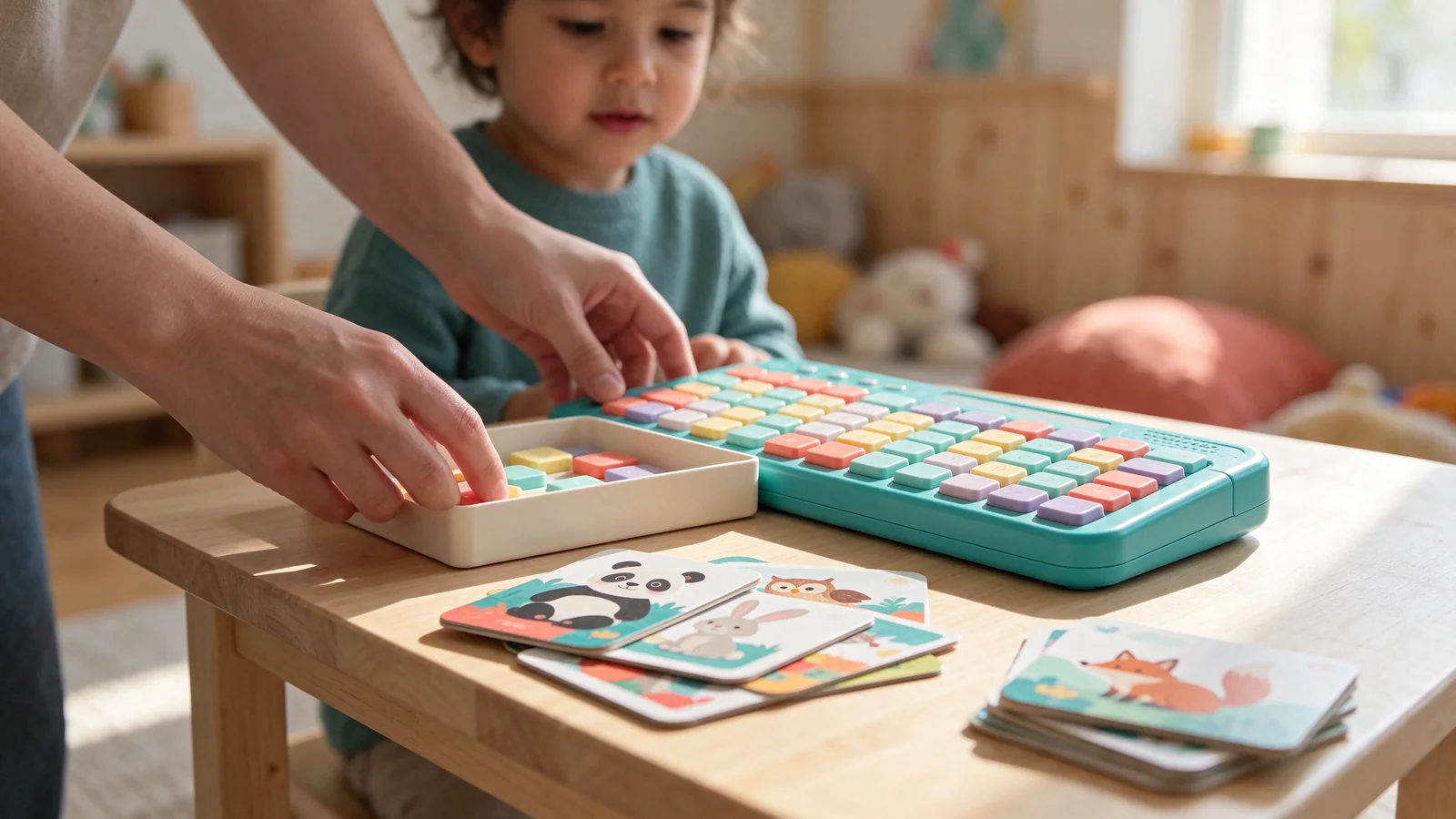
If the proposed keyboard uses cards, ask whether they simply display a task or interact with the device. Do not assume scanning, recognition or automatic content selection. Confirm how the user starts the corresponding activity and whether a missing or incorrectly inserted card affects the experience.
Review the proposed word list, pictures and input sequence together. A printed task can be attractive yet require an interaction the toy does not support. Check storage and retrieval with the complete proposed pack, not a single loose card. Decide what the adult should do if a card is lost, damaged or separated from the device, and ask whether replacement supply is offered.
Portable use adds handling questions, not an automatic travel claim. Evaluate how the device and any learning materials are carried, whether loose pieces remain contained and whether storage accidentally activates the controls. Do not describe an unverified product as spill-resistant, rugged or suitable for every journey.
Power setup also belongs in the buying decision. Confirm the actual source, included accessories, adult setup instructions and storage guidance. A connector image does not establish charging, data transfer or computer compatibility. Review retail demonstration mode, if requested, separately from the normal user experience so the sales display does not imply functions absent from the purchased configuration.
Compare suppliers by the interaction they can demonstrate
Ask each supplier to answer the same activity brief. Distinguish an existing platform demonstration from a proposed modification, and distinguish a visual mock-up from functional hardware. Request clarification when a video shows another product or a different language. Such material can explain a concept, but it does not settle the buyer's sample questions.
A quotation should connect recurring device cost to the proposed layout, content, accessories and packaging. Ask whether new recordings, interface artwork, firmware changes, tooling or sample work are included, separately charged or outside the offer. For ReadGlo discussions, the OEM/ODM planning resource explains general brief preparation; it is reading-pen-oriented and does not establish keyboard development capability or terms.
Ask how a corrected letter recording or changed key legend would be handled before repeat orders. The relevant question is whether the physical marking and the response can remain aligned, and which party owns any required work. Confirm price, minimum quantities, delivery assumptions, warranty and after-sales arrangements in writing for the actual project. None can be derived from the product keyword.
Keep safety and content approval separate from play appeal
A pleasant sound or easy key press is not a safety assessment. For a U.S. toy project, CPSC guidance explains that applicable toy-standard sections must be identified for the specific product, with guidance covering sound-producing and battery-operated toys among other areas.[2] Have the responsible importer and qualified reviewers establish the required evidence for the final configuration and intended users.
Do not set a sound limit by copying an unrelated product listing or judge acoustic safety by listening alone. Ask how the final sound output, power arrangement, accessible parts, markings and instructions will be reviewed. Requirements for another destination need their own responsible review. A report bearing a similar product name is not proof that it covers the proposed sample.
Content permissions require a separate check. WIPO describes copyright protection for works including illustrations, music and computer programs, and rights relating to reproduction, recording and translation.[3] Identify who can authorize the scripts, recordings, artwork and interface assets used in the project. Do not reuse a competitor's photographs or copy its activity text merely because both products concern the alphabet.
Buyer checklist before selecting the sample route
Bring these essentials to the next purchasing discussion:
- One intended letter activity, user setting and adult role.
- The proposed key arrangement, letter case and non-letter controls.
- Expected responses for names, sounds, prompts and any word activity.
- Required repeat, stop, mode and sound-management behavior.
- Card, accessory, power and packaging questions for the complete set.
- A comparable sample script with unresolved selection-critical issues.
- Named content, rights, quality and destination-market reviewers.
The output should let a supplier explain what can be demonstrated now, what needs feasibility review and what is not included. Select the smallest interaction set that meets the brief rather than accepting a crowded interface to obtain an impressive activity count.
Frequently Asked Questions
1. Is an alphabet learning keyboard the same as a children's computer keyboard? No. This guide concerns a letter-input learning toy with a defined response. A computer keyboard depends on a separate system and software. Clarify the product route before sourcing, and do not advertise typing instruction or computer compatibility without evidence for the selected configuration.
2. Should buyers choose an alphabetical or computer-style layout? Compare both against the intended selection activity and accompanying materials. Alphabetical order and adult-keyboard resemblance serve different design purposes. Review representative use and control separation; neither arrangement is a universal answer, and neither guarantees transfer to reading or typing.
3. Does a spoken letter name make the toy a phonics product? Not by itself. Request the actual sounds, example words and activity logic if those are essential. Have the selected recordings reviewed. A printed alphabet, a musical response or a letter-name mode does not establish a complete phonics sequence or an educational outcome.
4. Are lights or a screen necessary? Only if the defined activity needs them. Ask what information they convey and whether that behavior is demonstrable. Confirm any display, illumination or quiet-play function individually. Do not infer electronic behavior from an icon, photograph or screen-shaped area on a reference product.
5. What should a buyer do when a sample plays the wrong response? Record the key, active activity, action and observed output. Ask whether the issue lies in content, mapping or input behavior, and request a corrected demonstration. A selection-critical mismatch should remain open; one correct response elsewhere does not resolve it.
6. Can the same keyboard be proposed for home and classroom use? Possibly, but evaluate each setting separately. Shared rooms may need different sound management, storage and adult setup. Confirm the final intended-use information and relevant requirements. Do not assume a retail home-play description establishes suitability for institutional use or every age group.
7. What should the first supplier inquiry include? Send the target market, buyer role, intended activity, reference direction, layout preferences and must-have responses. Add provisional quantities and timing, available content and unresolved permissions. Ask for feasibility and sample clarification before treating any function, price or delivery date as agreed.
Conclusion: buy the letter interaction, not the keyboard silhouette
The right alphabet learning keyboard is the option whose visible inputs, confirmed responses and everyday controls fit a specific buyer activity. Compare the same key-to-response events, include complete-set handling and keep content and market reviews separate. This creates a useful selection decision without overstating what a toy can teach.
Start a focused project discussion. Send your activity brief and open sample questions to info@readglo.com, or use the ReadGlo procurement contact page. Ask which configuration and evaluation route can be discussed; requested functions, quantities, rights, commercial terms and timing remain subject to written confirmation.
Continue your research
Related reading pen buyer guides
Use these related guides to compare the next product, content, sourcing or channel decision in your project.
- Buyer GuideHow Should Buyers Choose Phonics Flash Cards with a Coherent Learning Progression?Read this guide
- Buyer GuideHow Should B2B Buyers Choose Talking Flash Cards and Matching Equipment?Read this guide
- Buyer GuideHow Should Kindergarten Buyers Review a Phonics-Toy and Early-Reading Pen Offer?Read this guide
Continue with ReadGlo
Review product or project scope, then confirm the proposed configuration and relevant documentation separately.
ReadGlo project support
Request a Project Discussion
Describe the purchasing decision you need to make. Confirm the final configuration, rights, evidence and supply terms before placing an order.
Open the related procurement route